What Is MCP? A Simple Guide to the Model Context Protocol and Its Security
MCP is the standard way to connect AI to tools and data. How it works in plain language, where it helps a business, and the security risks to take seriously.
- what is MCP
- Model Context Protocol
- AI agents
- MCP security
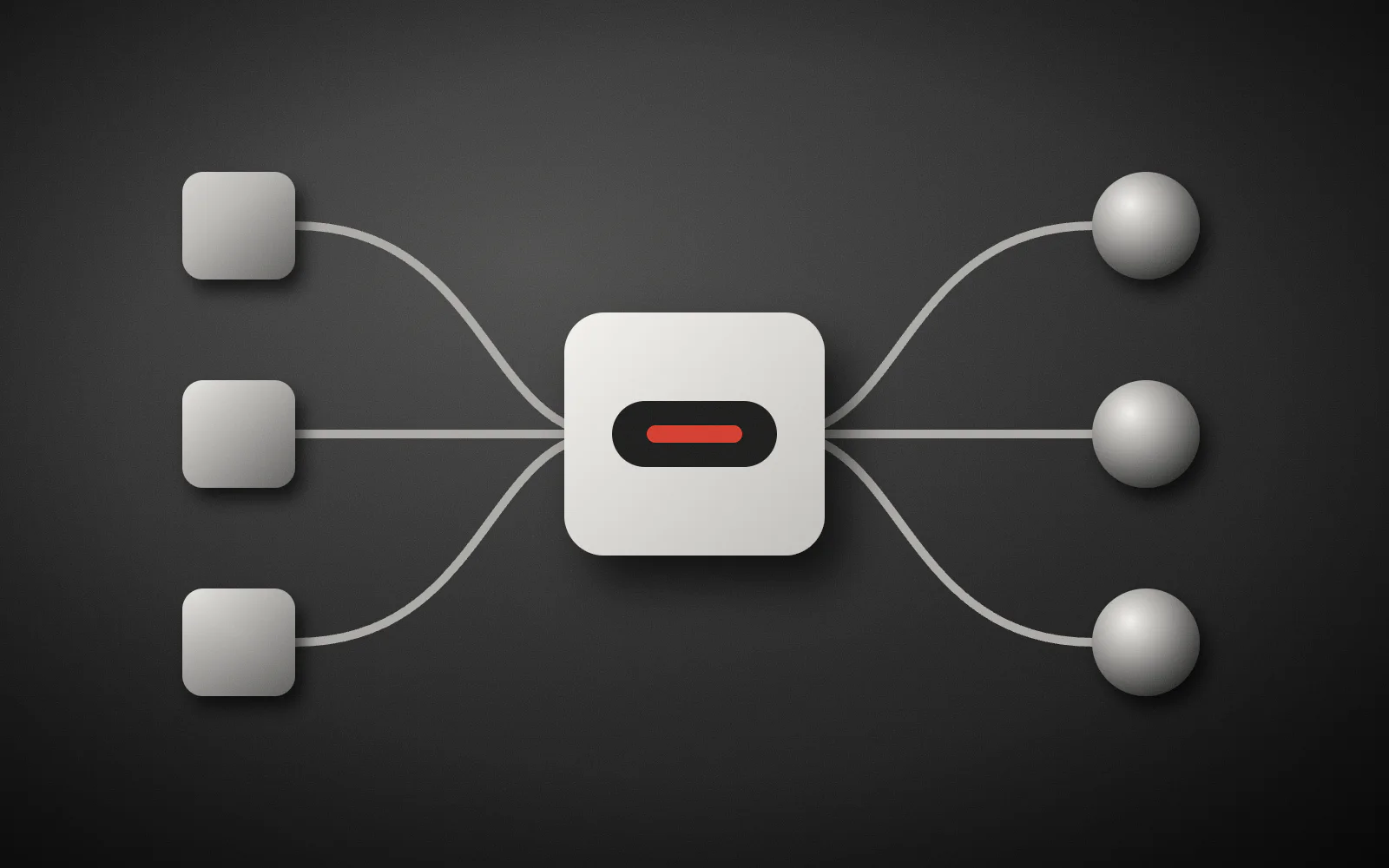
AI models have no access of their own to your calendar, database, or sales system. Until recently, every connection needed custom code. MCP, the Model Context Protocol, was built to solve that.
MCP in plain language
According to the official documentation, MCP is an open source standard for connecting AI applications to external systems. The docs compare it to a USB-C port: build one standard connection, and the tools that support the standard can use it.
The parts of MCP
The architecture docs define three participants:
- Host: the AI application, such as an assistant or IDE.
- Client: the part of the host that maintains a connection to one server.
- Server: the program that provides data or capabilities.
A server offers three kinds of things:
| Type | Purpose | Example |
|---|---|---|
| Tool | Performs an action | Search or place an order |
| Resource | Provides data | A database schema or file contents |
| Prompt | A reusable template | A report analysis pattern |
Communication uses JSON-RPC 2.0 over stdio for local servers or Streamable HTTP for remote ones.
Where it helps a business
- Staff ask an assistant about this week’s sales and get answers from real data.
- Support sees an order’s status from inside a chat.
- A developer lets an agent read logged errors to find a root cause.
- Your product becomes available inside AI assistants through an MCP server.
Take the security risks seriously
When MCP lets a model act, mistakes have real effects. The official security guidance names specific risks:
- Token passthrough: a server accepts a token not issued for it and forwards it. The specification explicitly forbids this.
- Confused deputy: a proxy server is tricked into granting an attacker access without real user consent.
- SSRF: a malicious server makes a client send requests to internal network services.
- Local server compromise: installing a server means running code on your machine with the host’s privileges.
- Excessive scope: a leaked token with broad access does broad damage.
Another risk raised across several sources is tool poisoning: the server controls each tool’s description and can hide instructions in it for the model to follow.
A safe usage checklist
- Install only servers whose source you know, and read their startup command.
- Run local servers in isolation.
- Keep access minimal, starting read only.
- Require human approval for payments, deletions, and sending messages.
- Use OAuth on remote servers and validate each token’s audience.
- Log every tool call with the user’s identity.
- Build one small server per domain, not one server with dozens of unrelated tools.
MCP standardizes the connection. Deciding what AI may access is still up to you.
Where to start
Build one read only server for a real need, such as a sales report. If it helps, add write actions step by step with human approval. You can also browse MCP servers on Cheshm.
If you want to connect your business systems to AI safely, tell me about your project.